How to track your workouts so the numbers mean something
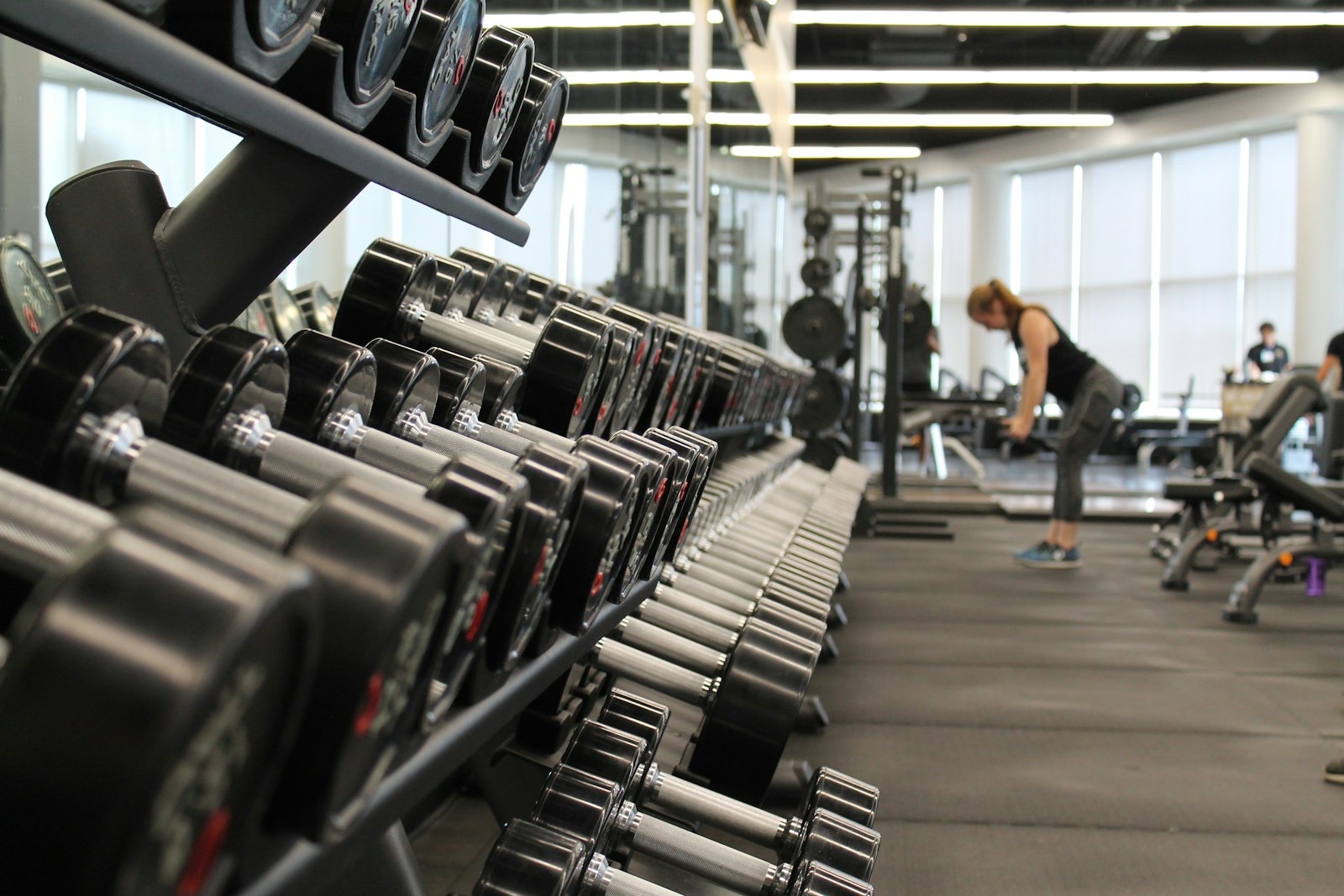
Record the exercise, load, reps, set type and effort for every working set, plus one note when something was off. Then review once a week and ask whether load or reps went up at the same effort.
A log that only holds weight and reps cannot answer that question. A log with effort, set type and notes can. The extra seconds per set are what turn a list of numbers into a record you can use.
What to record per set
| Field | Why it matters |
|---|---|
| Exercise | Name it the same way every time. |
| Load | In kg by default. Note lb once if you use plates in pounds. |
| Reps | Clean reps only. |
| Set type | Warm-up, working, drop set or to failure. |
| RPE or RIR | How hard it was. See RPE and RIR. |
| Rest | How long you waited before the set. |
Do not log what you planned. Log what you did. If the plan said 8 and you did 6, write 6.
What to record per session
- The date and the rough start time.
- Bodyweight, if you track it. Use the same conditions each time.
- One note, when something was off: poor sleep, a sore shoulder, a crowded gym, a bar you do not usually use.
The note is the cheapest and most useful field. Three weeks from now you will not remember why Tuesday’s squat was flat, and the note will tell you. One line is enough. Do not write an essay.
Warm-up sets: log them, do not count them
Log warm-up sets with the warm-up type. They show the build-up to your working weight, which helps if you come back from a layoff. Do not count them as working volume.
The reason is simple. A warm-up of 5 reps at 40 kg before a working set of 100 kg is not training stimulus. If it is counted, your weekly set total inflates and your best-set records can be wrong. Mark the type, and the totals and records stay honest. See how many sets per muscle per week for how the count is used.
The weekly review
Pick the same time each week, such as Sunday evening. Spend five minutes. Ask three questions.
- Did load or reps go up at the same RPE? Compare this week’s best working set on each main lift with last week’s. If the effort is the same and the number is higher, you progressed. If the number is the same and the effort is lower, you also progressed.
- Which lift stalled, and what changed around it? Check sleep, notes and rest. A stall with a note beside it has an explanation. A stall without one may need more rest or more sets.
- What is the one change for next week? Add 2.5 kg, add a set to a lagging muscle, or take a rest day. Choose one change. If you make three, you will not know which one worked.
Write the answer to the third question in your log, so next week’s review can check it. For the options on what to change, see progressive overload.
What to do with a bad day
Some sessions go badly. Sleep was short, work was heavy, the bar felt like lead. Log it anyway.
- Record the sets you did, at the weights you used. Do not delete or adjust them.
- Add the note: “slept 4 hours” is enough.
- If you cut the weight, record the lower weight and the effort. A set at 90 kg for RPE 8 on a bad day is information.
- Do not chase the missing numbers in the next session. Return to the plan.
One bad day is noise. A bad week is a pattern, and the notes will show it. If the notes show the same cause three weeks in a row, change the cause, not the plan.
Do not drop a session from the log because it looks bad. A log that holds only the good days will lie to you about your progress.
Moving an old log into a new app
Years of logs are worth keeping. You should not have to start from zero when you change apps.
GymYuz imports history from Hevy, Strong, Lyfta, FitNotes and openGym. Export your data from the old app first, usually as a CSV file, then bring it in. Check a few lifts afterwards: open an exercise you know well and look at the last session. If the weights and dates match, the import worked.
Exercise names may differ between apps. After an import, open the exercise list and look for the same lift under two names, such as “Bench Press (Barbell)” and “Barbell Bench Press”. Pick one and log under it from then on, so your charts do not split in two.
The other direction works as well. You can export to CSV, or take a full ZIP backup. Your data stays yours, in a format you can open in a spreadsheet, and it works offline.
Make logging faster
The friction of logging is what kills a log. Some ways to cut it:
- Keep exercise names consistent. Pick one name and use it.
- Log the set straight after you finish it, while you remember the reps and the effort.
- Pre-fill from last time and change only what differed.
- Skip optional fields on easy sets. Keep load, reps and set type as the minimum, and add RPE on the working sets.
A complete log that takes ten seconds a set beats a perfect log you stop keeping in week three.
In GymYuz
Log by hand, or run the session from your earbuds. Last time’s numbers are pre-filled, so you only change what differed. Voice mode reads the next set out loud and takes these commands: done, skip rest, add time, pause, resume, next exercise and undo. Join the waitlist on the home page to get the app when it opens.